An editorial assessment of documented capabilities and ownership trade-offs. This is not a hands-on test result or a measurement of reliability.
Features & capability 30%8.7
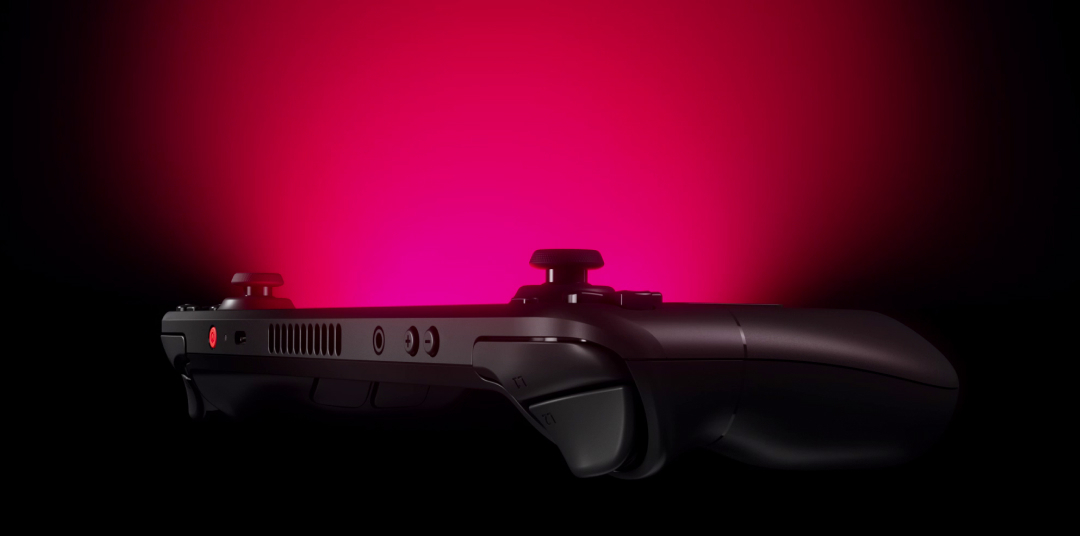
The OLED panel, controls, suspend system and Steam library make a complete handheld proposition, although the APU remains the same performance class.
Compatibility & connectivity 20%8.3
SteamOS, microSD and USB-C support are practical, while anti-cheat, launchers and non-Steam stores can require extra work.
Ownership & upkeep 20%8.1
The larger battery and mature accessory ecosystem help, but storage, thumbsticks and the sealed battery remain condition checks.
Setup & everyday use 15%8.4
The interface feels console-like and the grip is purposeful; some games still need settings work or a dock for a better experience.
Documentation & support clarity 15%8.5
Valve documents hardware and compatibility clearly, with the status of individual games changing over time.
Compare scores within the same product category. Small decimal differences should not override your needs or the evidence limits.
How the Standpoint Score works
We score five aspects of the documented product on a 0–10 scale, then calculate a weighted total:
- Features & capability30% of the total
- Compatibility & connectivity20% of the total
- Ownership & upkeep20% of the total
- Setup & everyday use15% of the total
- Documentation & support clarity15% of the total
This product’s 8.4/10 is a provisional research assessment. It does not claim measured performance, tested reliability or a verified customer satisfaction rate. Compare it with products in the same category, and read each criterion’s reasoning above.
Read the full rubric and score bands ↗The ownership case.
The OLED revision makes Valve's excellent PC handheld easier to live with, as long as the buyer accepts PC game setup and a fixed performance envelope.
Reasons to consider it
- 7.4-inch HDR OLED display with 90 Hz refresh
- SteamOS interface and familiar console-style controls
- Larger 50 Wh battery and Wi-Fi 6E in the OLED revision
Go in knowing
- OLED revision does not turn the original APU into a new performance class
- Some PC games and launchers still need compatibility work
- Large games and accessories increase the total cost quickly
The specification sheet.
Published specifications from the linked sources. Configurations and availability can differ by country.
- Display
- 7.4-inch HDR OLED; 1280 × 800; up to 90 Hz
- Processor
- Custom AMD Zen 2; four cores/eight threads
- Graphics
- 8 RDNA 2 compute units; 1.6 TFLOPS
- Battery
- 50 Wh; approximately 3–12 hours depending on use
- Storage
- 512 GB or 1 TB NVMe; microSD expansion
The OLED revision improves the part you look at
The Steam Deck OLED retains the original handheld's basic controls and APU while changing the display to a 7.4-inch HDR OLED with a 90 Hz maximum refresh. That is a meaningful everyday improvement because handheld play is a visual activity first. Higher contrast, richer blacks and a slightly larger panel can make dark games and menus easier to parse. HDR support still depends on the game, the settings and the scene, so it should not be treated as a universal image transformation. We have not measured brightness, colour accuracy or sustained refresh behaviour.
The 1280 × 800 resolution remains modest beside a modern gaming laptop, but it is appropriate for the hardware and helps keep rendering demands understandable. A buyer should choose games and settings for this screen rather than chase a desktop specification. The OLED model is easier to recommend than the LCD version for someone who plays in varied lighting, yet the display alone does not justify replacing a working Deck if the existing screen already satisfies the owner. The revision is a better daily object, not a different class of machine.
The controls are the reason a PC game feels handheld
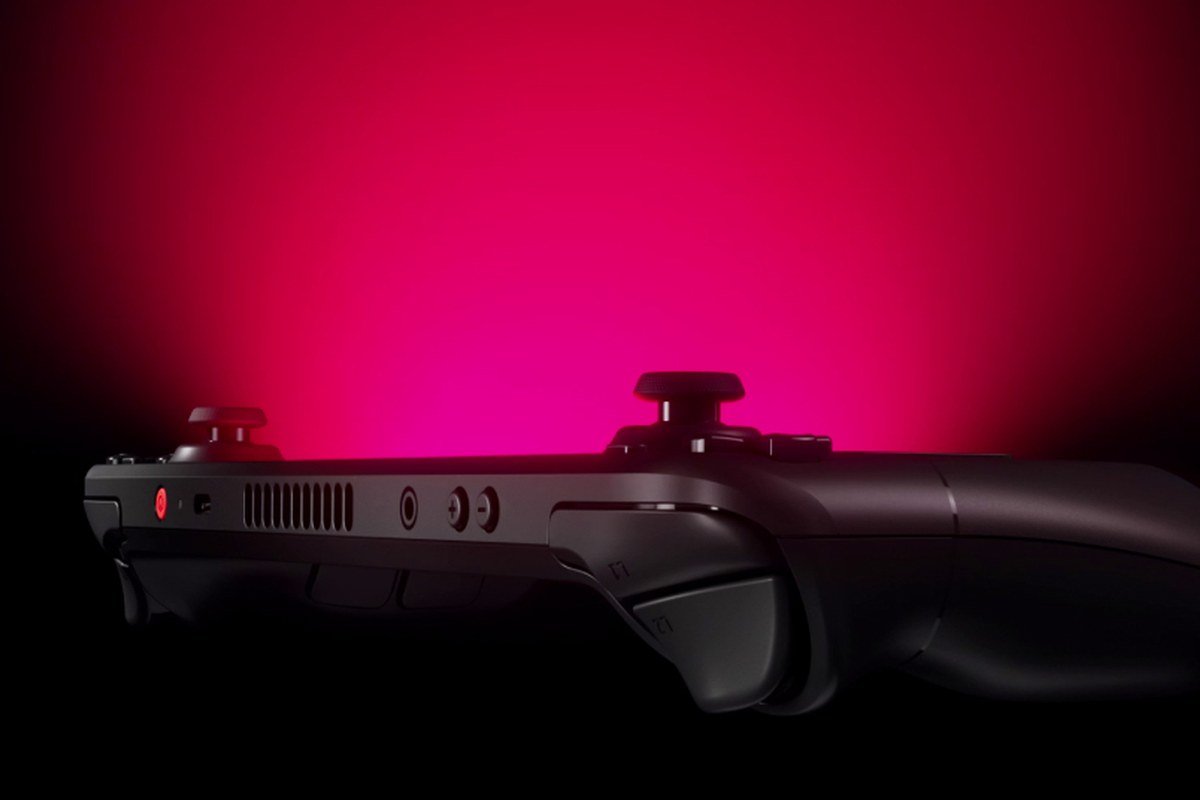
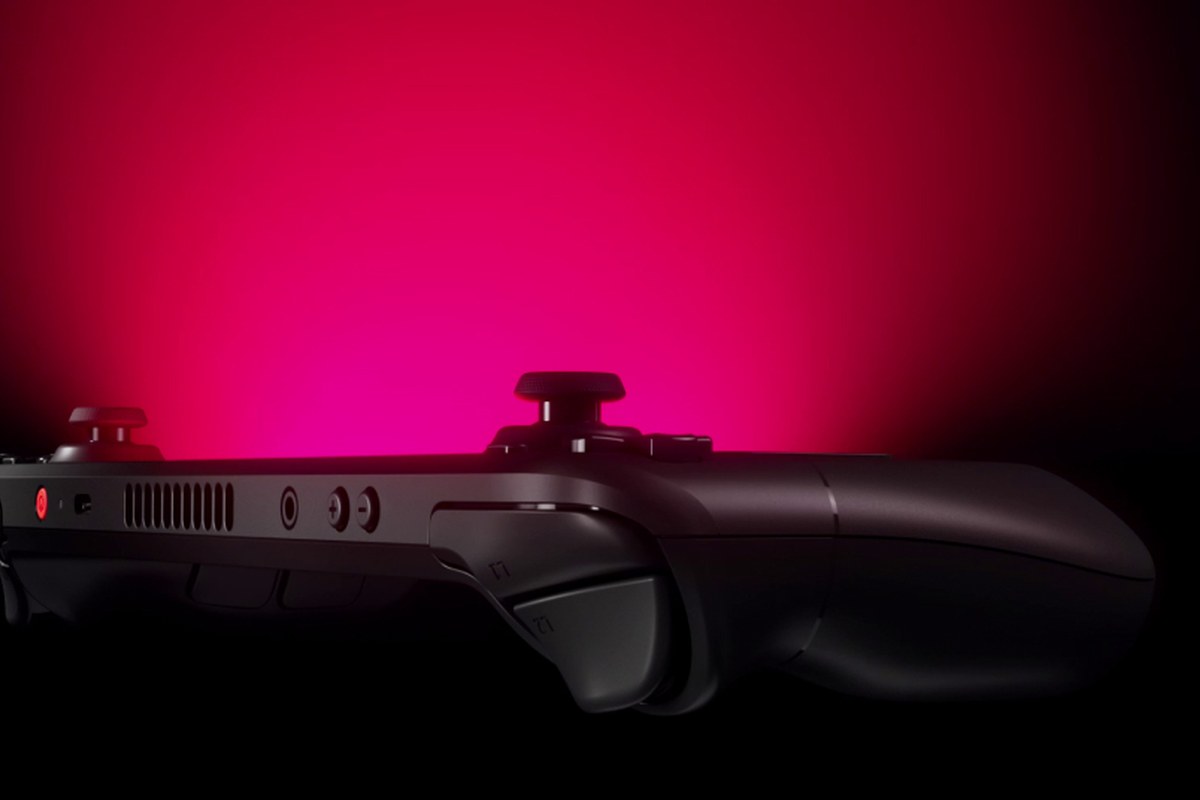
Valve gives the Deck dual thumbsticks, trackpads, rear buttons, motion sensing and a familiar set of face and shoulder controls. That variety is useful because a first-person game, a strategy title and a desktop launcher ask for different inputs. The trackpads can stand in for a mouse, but they require a little patience and a sensible configuration. We have not measured fatigue or compared every hand size. Try the grip before purchase if possible, especially if long sessions or limited reach are part of the intended use.
Control layouts are part of the software experience. A title can launch successfully and still feel wrong until the community or owner profile is selected. That flexibility is one of the Deck's strongest ideas, but it also means the first session may involve adjustment rather than immediate console simplicity. Keep a default layout and understand how to return to it. A dock, keyboard and mouse can extend the Deck to a desk, but they also reveal that this is a small Linux computer with a game-focused shell rather than a closed console.
The OLED Deck is not a new performance tier
The OLED revision uses a refined version of the same basic custom AMD architecture as the earlier Deck. Valve therefore improves the screen, battery, thermals and wireless experience without promising a major uplift in game-rendering power. That distinction matters when comparing it with newer handheld PCs. The Deck's strengths are coherent power limits, a controlled interface and a large library of games that already have known profiles. We have not benchmarked a particular title or measured frame times, so buyers should test the games that define their library rather than rely on a general ranking.
Performance settings are an ownership skill. Resolution scaling, frame limits, refresh rate, power profiles and shader caches each affect the result. A locked 40 or 45 frames per second can feel more consistent than an unstable higher target, especially on the 90 Hz panel. The right choice is the one that preserves readability and battery without turning every game into a tuning project. Valve's tools make that possible, but the buyer should be comfortable changing a few settings or choose games known to behave well on the platform.
The library is broad, but compatibility is specific
Steam Deck Verified and Playable labels provide useful guidance, but they do not replace reading the details for a particular game. Text size, launcher steps, anti-cheat, an awkward control prompt or an online requirement can matter more than whether the title technically starts. Check the current status of the games you care about and read how updates may have changed it. Non-Steam launchers are possible, yet they can add maintenance and account friction. This is a strong handheld for a Steam-centred library, not a guarantee that every PC purchase behaves like a console cartridge.
Desktop mode opens a normal Linux environment, which is valuable for emulation, media and creative experiments when handled responsibly. It also makes the Deck more flexible than a traditional console and less simple than one. We have not evaluated a particular emulator, external launcher or compatibility layer. Keep important saves backed up and understand which changes may be overwritten by updates. The machine rewards curiosity, but a buyer who wants zero configuration should select games with clear Deck support and resist treating every workaround as part of the normal play routine.
The larger battery helps, while storage sets the rhythm
Valve lists a 50 Wh battery and a roughly 3–12 hour range depending on the workload. That spread is honest about the difference between a light 2D game and a demanding 3D title. OLED efficiency and a larger cell can make a long trip easier, but a high-brightness HDR game can still consume energy quickly. Establish the charging routine before travelling and carry a charger with the appropriate USB-C power capability. We have not measured runtime across a controlled set of games, so a seller's headline duration should not be treated as a personal guarantee.
The 512 GB and 1 TB versions use NVMe storage, and microSD expansion is a practical part of the design. Modern games can consume much of the internal space, while a card may be ideal for a rotating library or older titles. Check the card's speed and the installation plan instead of assuming that all storage feels the same. A used unit should be checked for drive health, card performance, charging behaviour and the condition of the thumbsticks. Those checks matter more than a small difference in cosmetic wear.
A handheld becomes a small computer at the edge of the setup
Wi-Fi 6E, Bluetooth, USB-C and a dock can connect the Deck to a display, network, controllers and storage. That flexibility is attractive, but it also creates more opportunities for a cable, firmware or display handshake to complicate a session. Test the exact monitor, dock and controller combination before making the Deck the only computer for a trip. We have not audited every dock or measured wireless performance. Valve's first-party dock is a reference point, while third-party options can be sensible when their power, display and update support are clear.
The OLED model's wireless upgrade is useful in a busy home network, yet a strong connection cannot fix a game whose server or anti-cheat system does not support the platform. Keep offline games installed for travel and check which launchers need a first-run sign-in. A good Deck routine separates “can install” from “can play when the train has no signal.” That distinction is part of the device's value: it offers a PC library in a handheld shape, and PCs always carry some environment-specific assumptions.
It is a great fit when the library already exists
Steam Deck OLED is easiest to recommend to someone who has a Steam library, wants a comfortable handheld and values the option to tune settings. It is less obvious for a buyer who mainly plays competitive online titles with strict anti-cheat, expects current desktop-GPU performance or dislikes managing launchers. Compare the total cost with a console, a Windows handheld and a laptop based on the games actually played. The OLED screen improves the experience; it does not change that central compatibility decision.
Our review is a research assessment rather than a performance lab result. A meaningful personal trial would measure battery in the specific games, check text readability, test suspend and resume, and connect the Deck to the intended dock and display. It would also examine whether the owner enjoys configuring a profile. Valve has built a compelling bridge between PC flexibility and handheld controls, but the bridge is strongest when the user is willing to meet the PC halfway.
Keep the handheld easy to return to
Set updates and storage before a trip, keep at least one offline game ready and map the controls for the titles played most often. Use a case that protects the sticks and screen without preventing charging, and keep the charger with enough headroom for the Deck and any dock. Inspect the vents and avoid blocking them during long sessions. If buying used, confirm that the previous owner removed their account, that the device can reset normally and that the battery and sticks behave as expected.
The OLED Deck earns its place through the quality of the whole handheld routine: a readable screen, considered controls, a huge PC library and a more forgiving battery. Its score stays below a perfect result because compatibility and configuration remain game-specific, and because the performance class is familiar rather than new. That is a useful trade-off for the right player. The product is a durable platform for choice, provided the owner accepts that choice sometimes includes a setting, a launcher or a compatibility note.
Sources & further reading.
These are the sources behind this research review. Manufacturer claims are not independent performance measurements. Community accounts, when cited, describe individual experiences.
- Steam Deck OLED — official product page ↗manufacturer
- Steam Deck technical specifications ↗manufacturer
- Steam Deck compatibility guidance ↗manufacturer
Documentation reviewed: 9 October 2026. Product software and regional bundles can change. Corrections and editorial disclosures.