An editorial assessment of documented capabilities and ownership trade-offs. This is not a hands-on test result or a measurement of reliability.
Features & capability 30%7.8
M1 and the fanless design form a capable documented everyday platform, subject to application fit.
Compatibility & connectivity 20%7.4
Thunderbolt / USB 4 is useful, but two ports and one native external display limit desk flexibility.
Ownership & upkeep 20%7.0
Installed memory, battery age and storage choices need to be resolved before purchase.
Setup & everyday use 15%8.2
A familiar compact laptop format and absence of a cooling fan simplify ordinary use.
Documentation & support clarity 15%8.8
Apple states memory, port and external-display limits clearly.
Compare scores within the same product category. Small decimal differences should not override your needs or the evidence limits.
How the Standpoint Score works
We score five aspects of the documented product on a 0–10 scale, then calculate a weighted total:
- Features & capability30% of the total
- Compatibility & connectivity20% of the total
- Ownership & upkeep20% of the total
- Setup & everyday use15% of the total
- Documentation & support clarity15% of the total
This product’s 7.8/10 is a provisional research assessment. It does not claim measured performance, tested reliability or a verified customer satisfaction rate. Compare it with products in the same category, and read each criterion’s reasoning above.
Read the full rubric and score bands ↗The ownership case.
A useful researched shortlist choice for compatible everyday work when its installed memory, battery and screen are healthy. Buyers building a multi-monitor desk should resolve the native display limit first.
Reasons to consider it
- Fanless design
- Useful conventional keyboard and trackpad
- Thunderbolt / USB 4 in a compact body
Go in knowing
- One native external display
- Memory choice needs to fit the whole workload
- Only two USB-C ports, also used for charging
The specification sheet.
Published specifications from the linked sources. Configurations and availability can differ by country.
- Processor
- Apple M1; eight-core CPU
- Graphics
- Seven- or eight-core GPU configurations
- Display
- 13.3-inch IPS; 2560 × 1600
- Memory
- 8 or 16 GB unified memory
- Ports
- Two Thunderbolt / USB 4 ports; headphone jack
- Native external display
- One, up to 6K at 60 Hz
- Weight
- 1.29 kg
A useful design before it is an old performance story
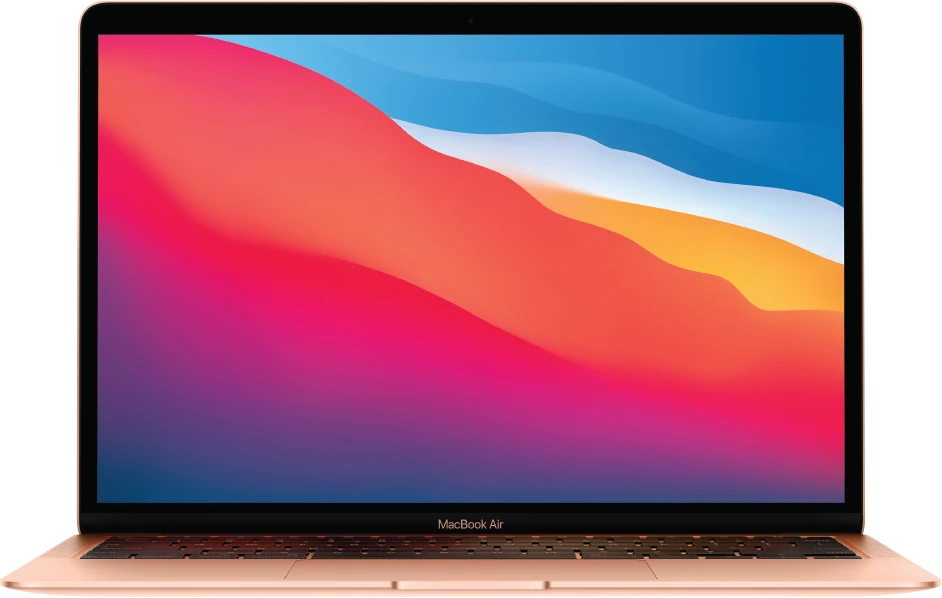
The M1 MacBook Air has a clear identity: a compact laptop built around Apple silicon with a fanless cooling design. For an everyday user, the attraction is a coherent working object rather than a collection of specialized components. It can be considered for writing, study, communication and other compatible tasks without assuming that a newer model number is necessary for every purchase. The exact workload and configuration still have to be established.
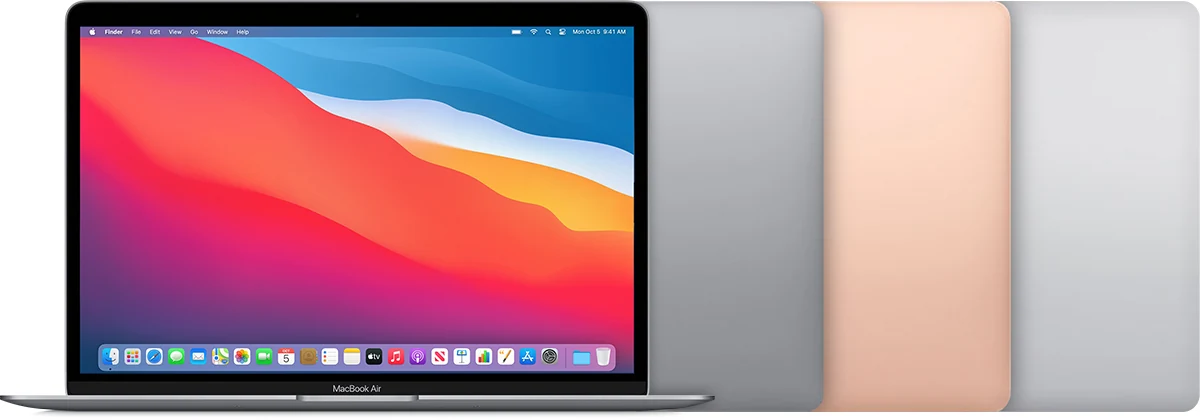
Do not confuse it with the Intel Air also sold in 2020. Verify the processor in the machine's information and check the installed memory and storage. Our review is a researched assessment of documented capabilities and ownership questions. It does not repeat launch-era speed comparisons as if they were measurements of current applications or of the particular refurbished computer a seller is offering.
Fanless is a meaningful physical characteristic
Apple explicitly describes the M1 Air as fanless. That removes cooling-fan operation from the ordinary experience, which can matter when writing in a quiet room or using a microphone nearby. It should not be stretched into a claim that every demanding workload runs without thermal limits. The design still has to dissipate heat, and sustained work is a different question from a short task that finishes quickly.
If long exports, compilation or repeated creative processing are central to the purchase, try representative work and compare with an appropriately configured actively cooled machine. The relevant outcome is acceptable completion time and comfortable use, not an assumption that a fanless laptop is either universally superior or automatically unsuitable. Our score credits the simple physical design while leaving measured sustained performance unclaimed. Choose it for tasks that fit the design rather than forcing a desired workload into an attractive reputation.
Memory is a workload decision
The 8 and 16 GB unified-memory configurations should be compared according to the applications used together. A light writing setup and a browser full of complex work services are not the same demand. Nor is opening an editing application the same as working on the actual project size. Inspect the current workflow where possible and identify the pressure points before paying for a used configuration.
Treat installed memory as something to choose correctly at purchase. Do not build the plan around an unspecified later upgrade. If a more suitable configuration costs extra, compare that premium with the inconvenience of an undersized machine over the intended ownership period. The model's reputation cannot make every configuration equally appropriate. A well-chosen older laptop should accommodate the normal working set comfortably enough that the owner does not continually rearrange tasks to keep it usable.
One external display is a real boundary
Apple documents one native external display, up to the stated 6K and 60 Hz limit. That is sufficient for many desks, but it is an important constraint for someone expecting a pair of external monitors. Count the displays required before purchasing the laptop or a dock. A hub with several physical video connectors does not by itself change the computer's native display support.
If considering a separate software-driven display solution, investigate its compatibility, setup and trade-offs independently instead of assuming it behaves like a native connection. For a straightforward single-monitor desk, test the actual display, cable, power and peripherals together. The aim is to establish a dependable arrangement that wakes and reconnects as expected. The M1 Air can be a sensible portable computer and still be the wrong choice for a particular multi-screen workstation.
Two ports make accessory planning worthwhile
The Air provides two Thunderbolt / USB 4 ports, both of which can participate in charging and peripheral use. This is a versatile connection type but a limited count. A charger, external drive and display can quickly make a dock useful. List what must be attached simultaneously and check the dock's power and data behavior before assuming that one inexpensive accessory solves the entire desk setup.
Inspect both ports on a used unit. Test charging and an actual data device, not just a cable that lights an indicator. The headphone jack should also be checked if wired audio is part of the routine. A compact laptop becomes inconvenient when one of its few connections is unreliable. Include the correct charger and any required adapters in the total price comparison, especially when a bare used machine appears much cheaper than a complete refurbished package.
The familiar work surface still needs inspection
The 13.3-inch display, Magic Keyboard and trackpad provide the everyday interface, so spend time with them before judging the purchase. Type a substantial passage, test special keys and try the gestures you use. Inspect the screen against neutral backgrounds for marks, dead pixels and uneven illumination. A panel can have an excellent original specification while the individual example has wear that makes long reading sessions unpleasant.
The documented camera is 720p. For frequent meetings, try the actual conferencing workflow and assess the lighting, microphone and framing rather than relying only on that number. An external camera may be an acceptable addition at a desk, but it belongs in the cost and connection plan. The best used laptop is the one whose complete working surface meets your needs without a growing list of compensating accessories or repairs.

Application fit and clean ownership come before migration
Check the current requirements of essential applications and peripherals for Apple silicon and the operating-system version available on the machine. Include plug-ins, specialist drivers and organizational tools, not just the main application name. A successful installation of one familiar program does not establish that an entire professional workflow is ready. Test representative files before retiring the previous computer.
Require normal account removal and setup, and confirm that any former organizational management has been released. Review battery condition, service history and the return terms. Test sleep, waking, wireless connections and charging over an ordinary session. Original endurance claims do not describe an ageing battery under your workload. A credible seller should provide enough information and return opportunity to distinguish a healthy older computer from a low-priced machine with unresolved administrative or hardware problems.
A strong ordinary-computer case with explicit limits
The M1 Air makes sense when the buyer wants a compact fanless Mac, has compatible applications and does not require more native external displays than the design supports. Its attraction is the coherence of that package. It becomes less suitable when the workload demands a larger memory configuration than the available example, a complex multi-monitor desk or sustained processing that has not been evaluated.
Our provisional verdict favors a well-kept configuration with sufficient memory and storage, a healthy battery and meaningful seller protection. Compare it with newer options using the complete cost, including chargers and docks. No benchmark ranking or reliability measurement is implied. The good purchase is the one that handles the actual work cleanly and leaves an acceptable maintenance margin, not simply the one carrying a processor name with an unusually strong reputation from its launch.
Sources & further reading.
These are the sources behind this research review. Manufacturer claims are not independent performance measurements. Community accounts, when cited, describe individual experiences.
- MacBook Air (M1, 2020) - Tech Specs - Apple Support ↗manufacturer
- Apple introduces M1 Macs — fanless Air design ↗manufacturer
Documentation reviewed: 9 October 2026. Product software and regional bundles can change. Corrections and editorial disclosures.