An editorial assessment of documented capabilities and ownership trade-offs. This is not a hands-on test result or a measurement of reliability.
Features & capability 30%8.2
Full-frame stills, stabilization and useful video modes form a broad older hybrid toolkit.
Compatibility & connectivity 20%8.0
RF lenses, qualified EF adaptation and two SD slots provide a coherent system.
Ownership & upkeep 20%7.6
Manageable still files and common media help, with ageing batteries and used condition to assess.
Setup & everyday use 15%8.0
Articulated viewing and physical controls suit mixed work after careful setup.
Documentation & support clarity 15%8.6
A detailed online manual and model-specific support page retain useful technical guidance.
Compare scores within the same product category. Small decimal differences should not override your needs or the evidence limits.
How the Standpoint Score works
We score five aspects of the documented product on a 0–10 scale, then calculate a weighted total:
- Features & capability30% of the total
- Compatibility & connectivity20% of the total
- Ownership & upkeep20% of the total
- Setup & everyday use15% of the total
- Documentation & support clarity15% of the total
This product’s 8.1/10 is a provisional research assessment. It does not claim measured performance, tested reliability or a verified customer satisfaction rate. Compare it with products in the same category, and read each criterion’s reasoning above.
Read the full rubric and score bands ↗The ownership case.
A coherent older Canon hybrid for stills-focused photographers who value manageable files. Verify the exact video workflow and the condition of the body rather than borrowing claims from later R6 models.
Reasons to consider it
- Moderate resolution can simplify editing and archiving
- Two SD slots avoid mixing card families
- In-body stabilization and an articulated display broaden practical use
Go in knowing
- Less cropping latitude than high-resolution alternatives
- Video duration, temperature and card conditions need verification
- Original R6 features differ from R6 Mark II and later generations
The specification sheet.
Published specifications from the linked sources. Configurations and availability can differ by country.
- Sensor
- 20.1 MP full-frame CMOS
- Mount
- Canon RF; compatible EF/EF-S through adapter
- Media
- Two SD card slots
- Video
- 4K UHD up to approximately 60p; mode-specific requirements
- Viewfinder
- Approximately 3.69-million-dot OLED
- Stabilization
- In-body image stabilization
- Battery
- LP-E6NH family; compatibility depends on version and function
Moderate resolution is part of the attraction
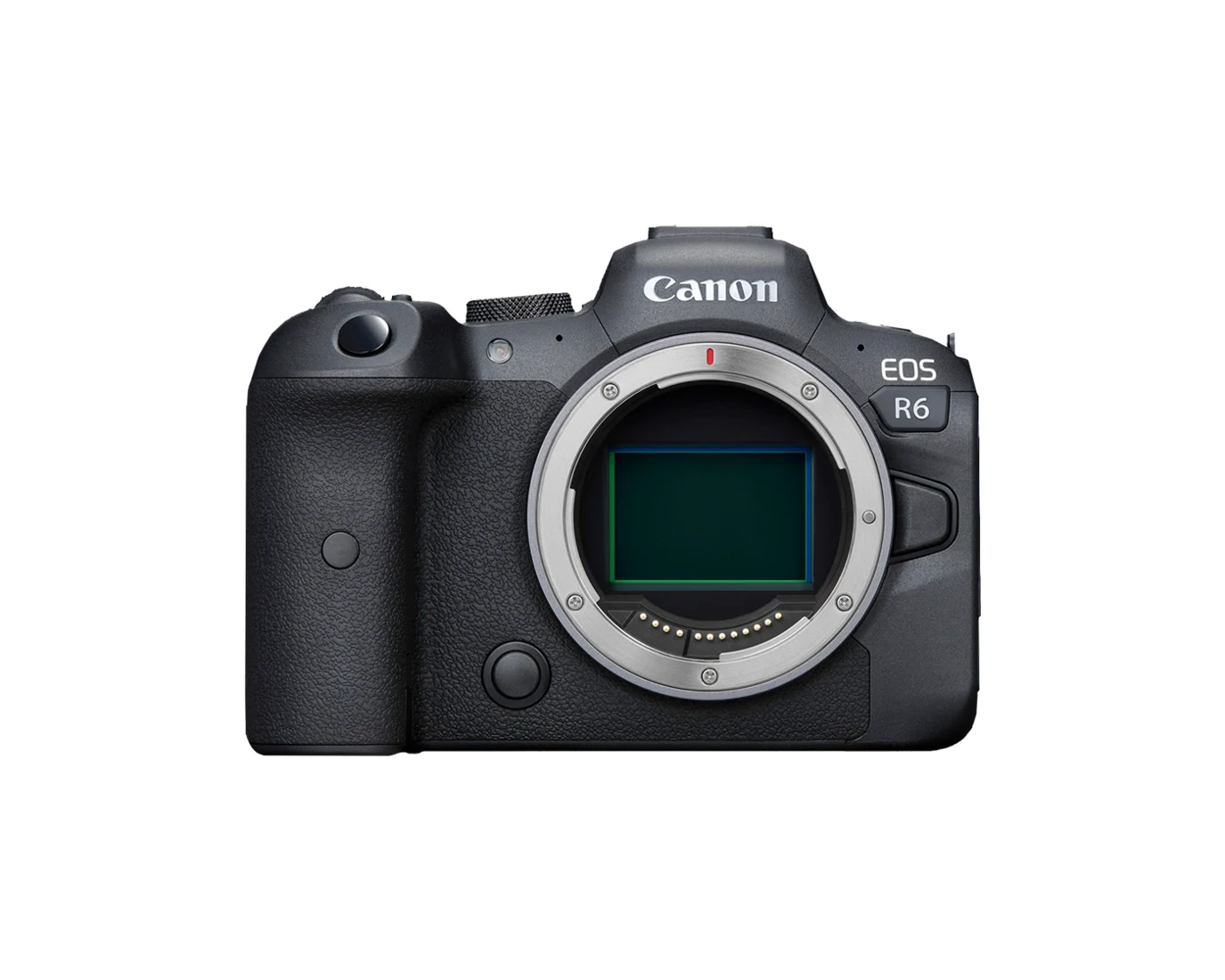
The original EOS R6 is an interesting full-frame choice for a photographer who values the moment and a comfortable workflow more than the largest possible still file. Its 20.1-megapixel sensor can fit portraits, family photographs and many ordinary publishing tasks while keeping storage and editing demands more restrained than a resolution-focused body. That does not make resolution irrelevant: a buyer who crops distant subjects heavily or routinely delivers very large detailed prints should consider the limitation honestly.
Be precise about the model. The EOS R6, R6 Mark II and later generations do not have interchangeable specifications, and used listings can be abbreviated. Check the body label and supporting photographs. Our review examines the original camera's documented functions and ownership implications, without presenting measured noise, dynamic range, autofocus or endurance results. The particular body's condition and the complete lens kit remain central to whether a secondhand offer is worthwhile.
Full frame changes depth of field as well as framing
The sensor is only one part of the image-making system. A suitable lens and a well-chosen aperture can matter more than a nominal upgrade in body class. For a portrait, shallow depth of field may be desirable; for several family members at different distances, it can make focusing more demanding. A photographer moving from a phone or smaller sensor should learn those relationships rather than assume that a wide aperture is always the best way to use full frame.
In-body stabilization can help with camera movement under supported conditions, but it cannot freeze a moving subject. Set shutter speed according to the activity before trying to keep ISO low. The R6's moderate file size can make it comfortable to practise and review frequently, which is a practical advantage for learning. Judge finished images at the size they will be delivered, while still checking enough detail to diagnose focus or movement problems. A manageable archive is valuable only if the photographs themselves serve the intended purpose.
Autofocus and burst settings should be learned together
The R6 offers Canon's documented autofocus modes and mechanical and electronic shutter options. Those controls give a photographer different ways to respond to a scene, but the most automatic setting is not always the most predictable one. Several faces, a partly obscured animal or a distracting foreground object can require a more specific focus area. Configure a fallback that is easy to reach and practise using it with the eye at the finder.
Fast continuous shooting is useful when it captures a changing expression or movement, but its maximum rate does not establish focus consistency. Inspect a sequence with the intended lens and check the conditions attached to the selected drive mode. Electronic shutter behaviour also needs checking with fast movement and artificial light. During a used-body trial, do more than photograph a stationary shop display. These are suggested evaluation steps, not results from a test performed for this article. The objective is a repeatable routine for the subjects you actually photograph.
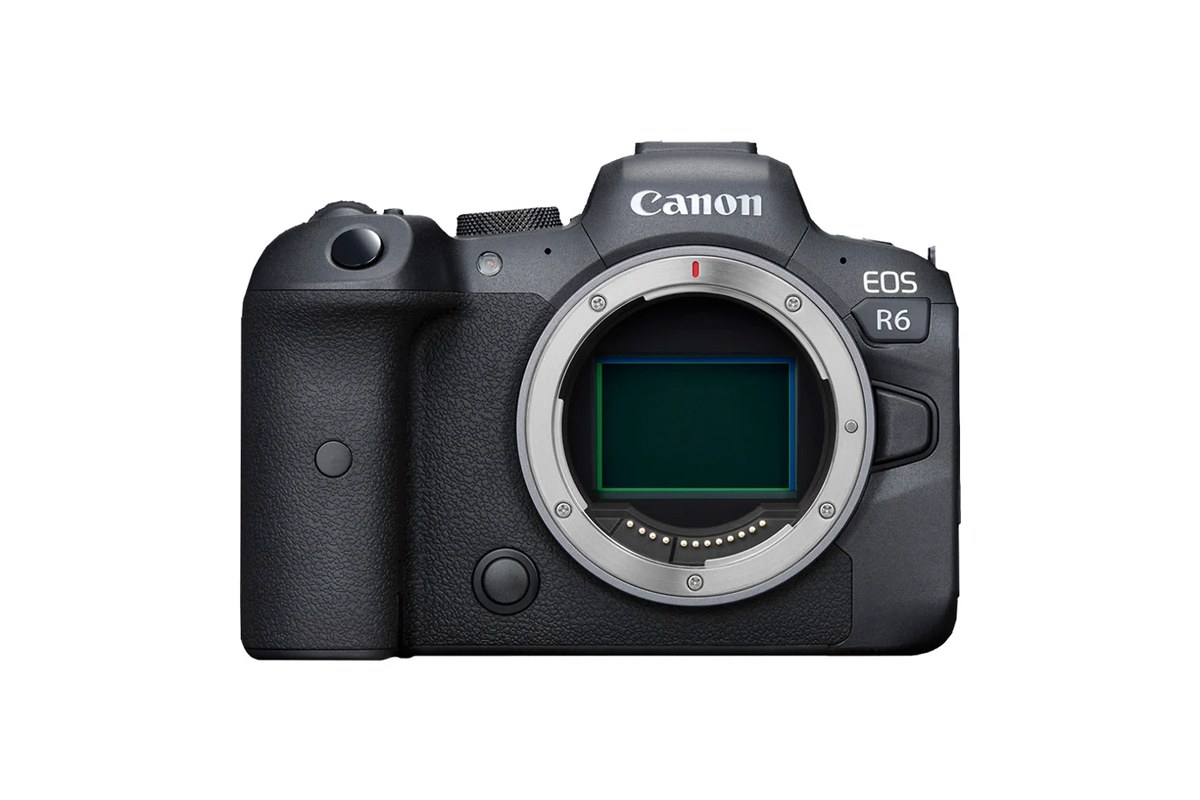
Two SD slots make a clear recording plan possible
The R6 uses two SD slots, which can simplify a kit for someone already working with that card family. The manual still needs to be consulted for speed requirements, particularly in demanding video modes. A large capacity label does not establish sustained writing capability. Choose cards around the intended recording settings and test them before an important session. Standardising media is convenient, but it should not become an excuse to reuse unsuitable or unreliable cards.
Decide what the second slot is meant to do and verify the resulting files outside the camera. A duplicate, a different file type and overflow are different arrangements with different benefits. During purchase inspection, write to both slots and check that access and door latching feel normal. After a shoot, transfer important files to independent storage. The R6's moderate-resolution files may make that routine easier to maintain, but two cards remaining together in the same camera still share risks such as loss of the bag.
4K60 is a mode to understand, not a blanket promise
Canon documents 4K UHD recording up to approximately 60p and lists different requirements for compression and tonal options. Those settings affect media, files and the editing workflow. A buyer planning to grade footage should verify the exact profile and recording format supported by the installed firmware, then confirm that the chosen software can handle it comfortably. A simpler format may be entirely appropriate for quick interviews or clips accompanying a stills assignment.
Recording conditions matter separately from storage capacity. Do not read a card-capacity table as evidence of an uninterrupted clip of the same duration. Temperature, previous use and the selected mode need to be considered through current Canon guidance and a realistic rehearsal. We have not measured heat limits or recovery behaviour. If a production depends on long continuous recording, test that complete requirement before committing to the body. The R6's video options can be useful without being the best fit for every event or unattended recording job.
Screen, sound and power make the working arrangement
The articulated display and electronic viewfinder provide different ways to compose. Try them with the microphone, support and cables intended for the job, because a convenient body can become awkward once accessories are attached. For recording, inspect audio connections and verify a short clip rather than assuming that a working meter guarantees clean sound. For stills, make sure frequently used controls can be reached comfortably with the chosen lens and carrying strap.
The LP-E6 battery family requires exact identification. Canon documents compatible versions and conditions, so a collection of older packs should not be valued as though all provide the same behaviour. Check the supplied battery, charger and intended USB power arrangement. Age and use can reduce practical endurance, while a damaged connector can undermine an otherwise useful external-power setup. Include dependable power in the total purchase cost. Published battery figures describe test conditions, not a promise for a day mixing viewfinder use, wireless transfer and video.
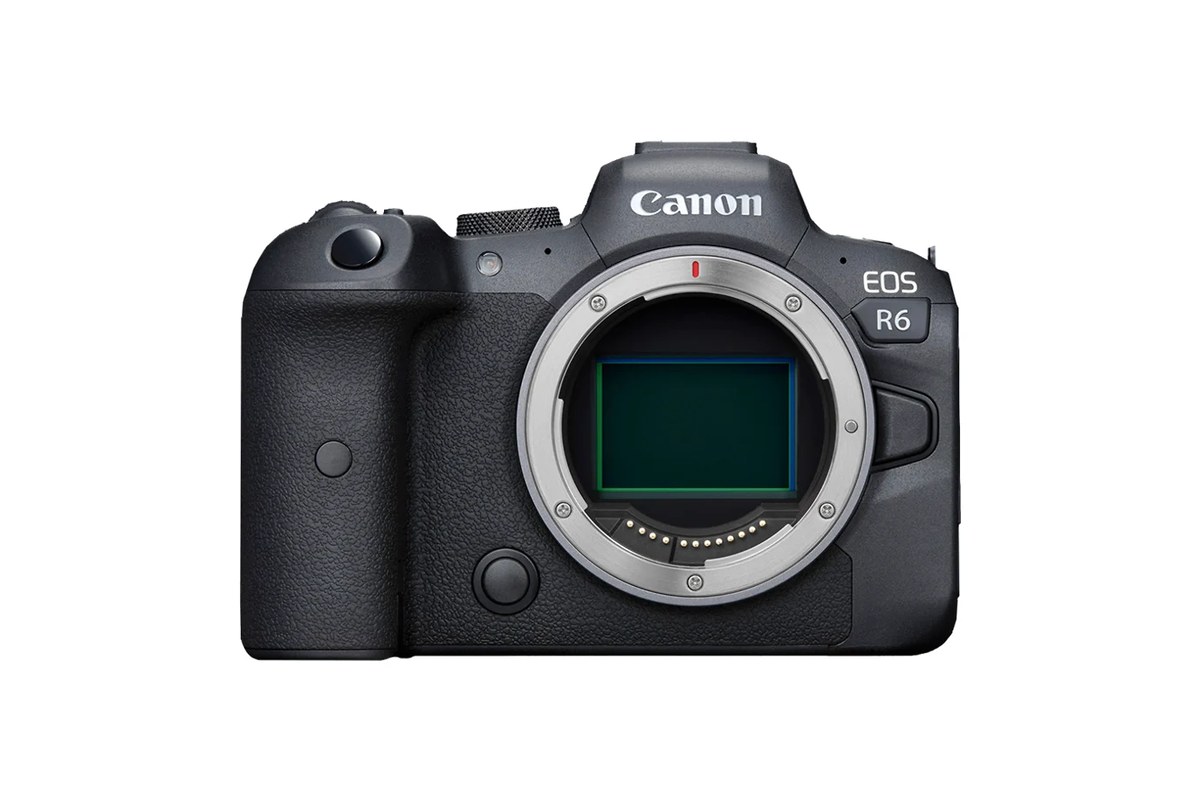
A careful inspection should include the complete lens pairing
Native RF lenses and compatible adapted EF or EF-S equipment offer several routes into the system. Check the exact adapter and lens if the purchase depends on reusing existing equipment. EF-S use changes the image-area and framing calculation, while EF-M is a different family. Test focus, aperture operation and balance together. The R6 may be a comfortable body alone yet feel quite different with a heavy adapted zoom attached for an entire afternoon.
On the body, inspect the mount, sensor, finder, screen hinge, card doors and port covers. Ask about repairs, impacts and moisture exposure, and make both still and video test files. Cosmetic appearance and a stated shutter count are incomplete evidence of history. For maintenance, follow Canon's cleaning procedures and keep the equipment dry in storage. Weather-resistant construction should not be interpreted as waterproofing, particularly when the previous treatment of seals and covers is unknown.
Support and regional terms complete the used-buying case
Canon retains an online manual and an original-R6 support page with model-specific resources. Read the installed firmware version and consult the current instructions before updating or relying on a feature described in an old article. Firmware, desktop applications and phone compatibility are related but separate parts of the workflow. A support page available today is useful, yet it does not guarantee future upgrades or indefinite availability of every replacement part.
Canadian and US buyers should confirm original sales territory, local repair eligibility and any remaining warranty terms for the particular camera. A US support page does not prove that an imported secondhand unit carries local coverage. The R6's strongest case is a sound example paired with lenses that match ordinary stills work, where moderate resolution is acceptable and dual SD recording is useful. If demanding cropping or continuous video dominates the requirement, compare those tasks directly against alternatives. Buy this generation for its documented strengths, with a complete kit and clear expectations, rather than assuming the R6 name promises every capability of its successors.
Sources & further reading.
These are the sources behind this research review. Manufacturer claims are not independent performance measurements. Community accounts, when cited, describe individual experiences.
- Canon EOS R6 manual specifications ↗manual
- Canon original EOS R6 support page ↗manufacturer
Documentation reviewed: 9 October 2026. Product software and regional bundles can change. Corrections and editorial disclosures.