The ownership case.
A credible candidate for enclosed everyday printing with optional four-colour work. The independently tested Combo produced clean colour samples and fed 95A TPU, while spool fit and access to the feed path need more attention than the generous nozzle-temperature figure.
Reasons to consider it
- 350°C hardened-steel nozzle is documented
- USB and LAN printing are described in the manual
- Automatic calibration, accessible printhead cover and optional CANVAS expansion
Go in knowing
- Base printer does not include CANVAS
- Combo and cover options change footprint and material setup
- Published noise result uses Silent Mode with an auxiliary fan off
The specification sheet.
Published specifications from the linked sources. Configurations and availability can differ by country.
- Build volume
- 256 × 256 × 256 mm
- Maximum temperatures
- 350°C nozzle; 110°C bed
- Maximum motion
- 500 mm/s; 20,000 mm/s² acceleration
- Included nozzle
- 0.4 mm; hardened steel stated on product page
- Connections
- USB drive and Wi-Fi; local-network workflow documented
- Color option
- CANVAS accessory / Combo configuration; not included with base machine
- Combo manual envelope / weight
- 500 × 480 × 743 mm / 19.35 kg; configuration-specific, before working clearance
The exact configuration comes first
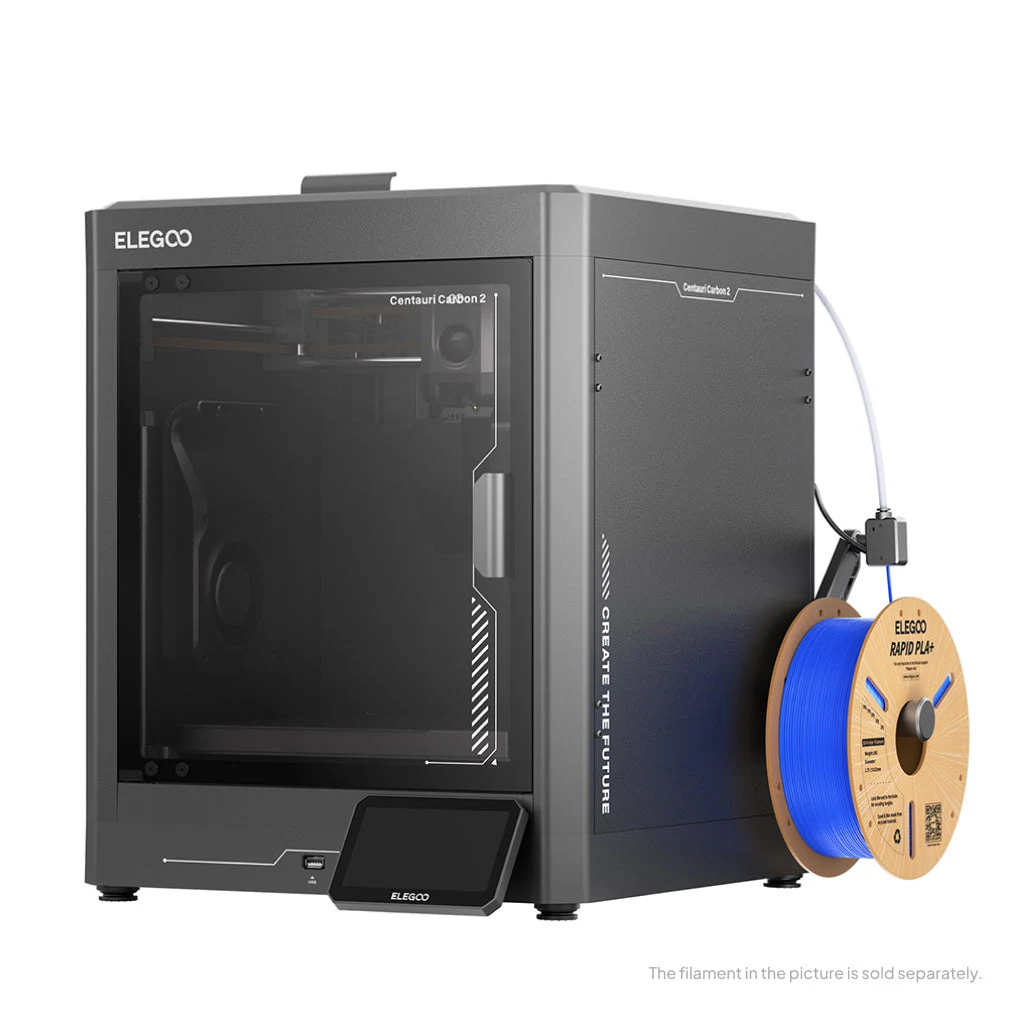
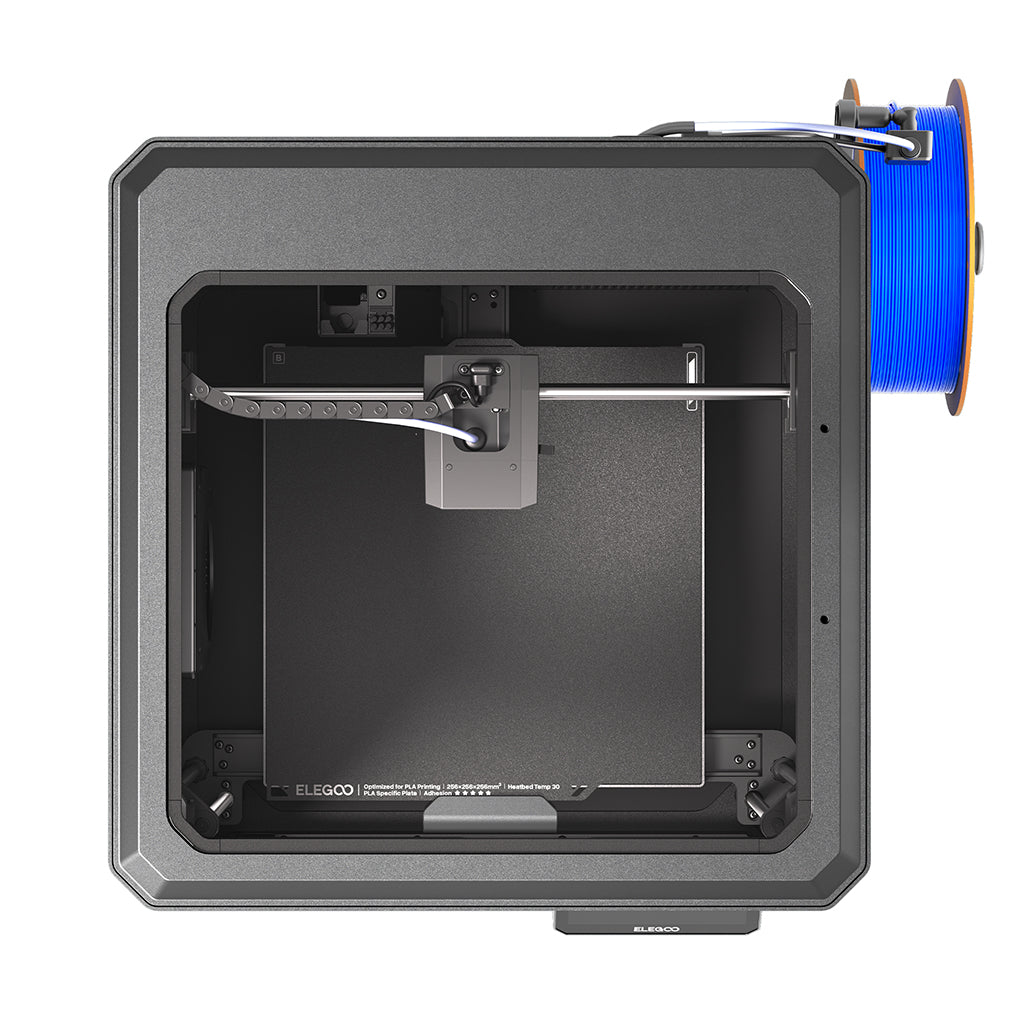
Centauri Carbon 2 is the current product reviewed here, not the original Centauri Carbon. That distinction matters because search results and accessory names can mix generations. The base machine is an enclosed CoreXY printer, while CANVAS adds the multicolor workflow. The manufacturer also offers different accessory and cover combinations. Before comparing prices, write down the printer version and everything included. A photograph showing four spools is not evidence that the cheapest selectable option contains the feeder, cover and mounts visible in that picture.
The Carbon 2’s 256 mm cube and hardened, high-temperature nozzle are useful specifications, but its appeal depends on the intended feed arrangement and the parts being made. This article combines Elegoo’s current base and Combo documentation with an independently conducted Combo review. Tech Standpoint has not tested either configuration. Outside print results are attributed below; they help assess particular uses without becoming our own benchmarks or a prediction that every spool and model will behave the same way.
A hot nozzle is one part of material control
Elegoo specifies a hardened-steel nozzle up to 350°C and a bed up to 110°C. The hardened nozzle is relevant when abrasive fillers would wear a softer nozzle, but temperature and wear resistance do not establish that every engineering filament will print successfully. A material may also require drying, an appropriate plate, different cooling and a stable environment around the part. A large dense shape can behave very differently from a small sample. Choose the intended filament and geometry first, then check whether their requirements match the full printer configuration.
The automatically controlled grille manages the enclosure environment; it is not a separately specified active chamber heater. Tom’s Hardware’s Combo test nevertheless produced successful PAHT-CF and polycarbonate samples. Those individual results show that an active heater is not required for every small engineering-polymer part. They do not prove reliable full-bed panels under different room conditions. For a large thermally sensitive design, check the filament requirements and project geometry before equating a 350°C nozzle with a controlled-temperature industrial process.
What speed and calibration can realistically offer
The 500 mm/s motion ceiling and 20,000 mm/s² acceleration claim put the Carbon 2 in the modern fast-desktop category, but neither gives a reliable completion estimate for a particular design. Small curves, overhangs and thin walls often demand different settings from long infill paths. The right comparison is the same model, material and quality objective in the slicer, followed by inspection of the result. A faster nominal setting is not a gain if it produces rough mating surfaces that need extra finishing or a failed part that must be repeated.
Automatic leveling, Z-offset and pressure-advance calibration address common startup variables. They reduce the number of adjustments a newcomer must understand immediately, but a dirty plate or incorrectly described filament can still defeat an otherwise sensible profile. The flexible plate is convenient for removal; Elegoo's manual also describes plate cleaning as routine care. Build a repeatable first-layer check into the first week of ownership and save a known-good profile. That baseline is useful when changing a nozzle or filament rather than treating every later adhesion problem as a reason to alter unrelated settings.
CANVAS is useful when the project justifies it
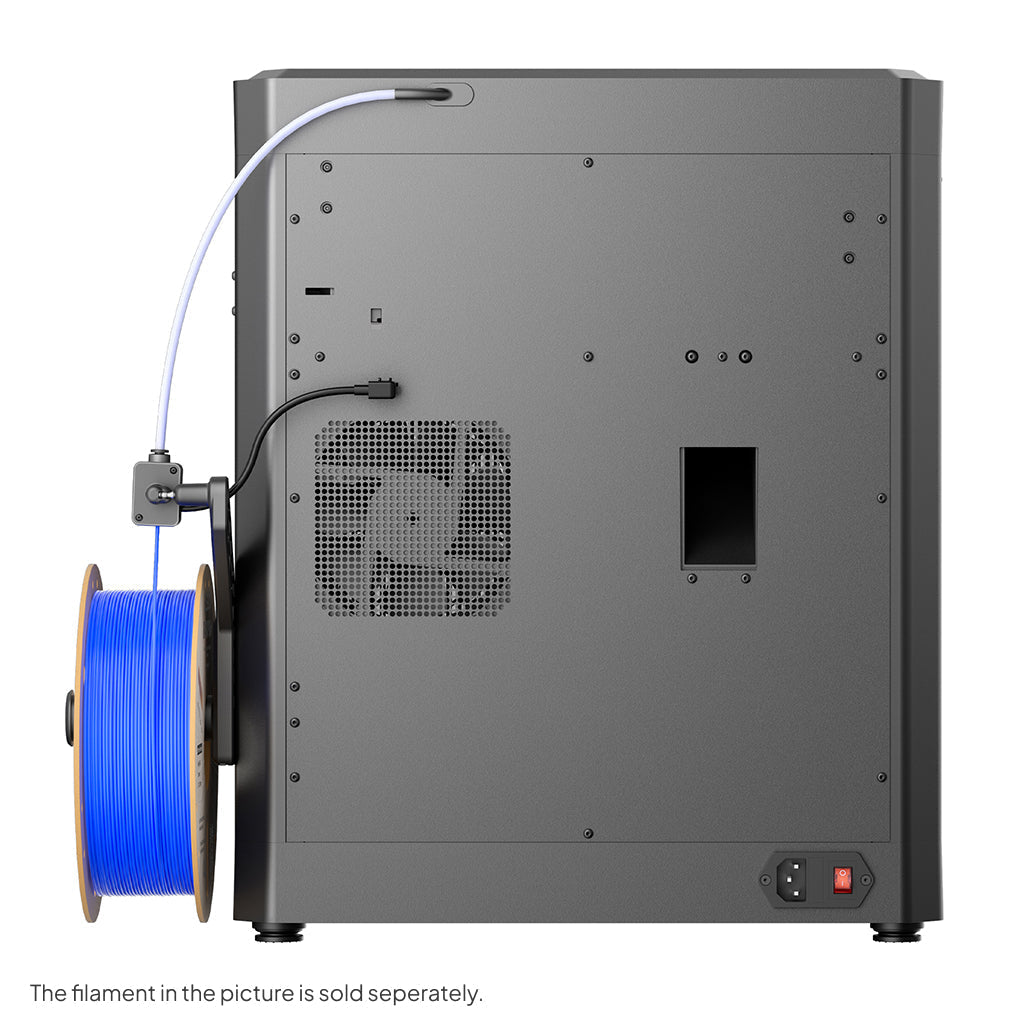
CANVAS adds four spool-holder modules, tubing and a raised cover arrangement in the Combo manual. That document lists a 500 × 480 × 743 mm envelope and 19.35 kg for the Combo, rather than the base printer alone. Allow additional working space to reach the side-mounted reels and rear connections. The selectable covered and uncovered accessory packages also need checking on the order. A cabinet chosen around the bare printer can become inconvenient once the feeder is installed, even if the expanded dimensions just fit inside it.
A multicolor feeder is most valuable when it removes a repeated manual task or enables a design that is awkward to assemble from separately printed pieces. It is less automatically beneficial for a tiny decorative object that changes color many times per layer. Inspect purge volume, transition time and the arrangement of colors in the sliced job. RFID recognition of supported branded spools can reduce entry mistakes, but the owner still needs to match the actual material and slot assignment. Mixed materials require compatible temperatures and adhesion behavior; a shared feeder does not make arbitrary polymers a sound combination.
What the independent Combo test actually showed
Tom’s Hardware printed seven three-colour chameleons on the Carbon 2 Combo in 4 hours 55 minutes at 0.2 mm layers and a stated average 160 mm/s. The reviewer found no colour bleeding at default purge settings and successfully fed 95A TPU through CANVAS. This is important configuration-specific evidence: the restrictions of another brand’s feeder should not simply be transferred to CANVAS. It remains one outside test, not a measured success rate or an endorsement of every flexible filament.
The same review found more awkward ownership details, including stubborn toolhead tube collets, trouble with some third-party spool holders and a loading routine that needed manual intervention after high-temperature material. Firmware and hardware revisions may change those observations. They still identify worthwhile checks: make sure the reels intended for the machine fit, understand how to reach a blocked feed path and verify the current procedure for changing from a high-temperature polymer to PLA. A clean multicolour sample does not answer those maintenance questions.
Controls, local printing and the noise claim
The manual describes exporting G-code to USB for offline printing and connecting the printer and computer to the same local network through ElegooSlicer. This is useful evidence for an owner who wants a direct workshop workflow. The broader product page also promotes Nexprint and the Matrix app, but those services should be considered separately from the documented local route. Try the intended workflow with a simple file first and decide where designs and camera access should be handled. A convenient model library is not a substitute for reviewing the geometry and print settings before starting an unfamiliar job.
Elegoo's quietness claim comes with a significant condition: the cited test used PLA in Silent Mode with the auxiliary part-cooling fan switched off. That should not be read as the sound of every material at maximum speed. A different cooling profile can change both acoustic behavior and print requirements. For a shared study, consider the cooling profile used by the intended long job. Turning off a fan for an acoustic demonstration does not establish that the same setting is appropriate for that part. The enclosed body and camera can make observation more convenient, but they do not make a printer an appliance that should be placed anywhere without considering heat, access and the work taking place around it.
Maintenance and the regional support decision
The magnetic printhead cover and nozzle wiper are practical ownership details because they affect access and the cleanliness of print starts. They also identify parts that deserve inspection as use accumulates. The manual calls for regular fan cleaning and maintenance of the Z-axis mechanism; follow the model-specific instructions rather than treating all rods and surfaces alike. Keep the hotend area free of accumulated filament and watch for changes in feed behavior before a small obstruction becomes a long failed print. Budget for wear items and filament preparation alongside the machine and CANVAS purchase.
The US product page limits that storefront’s shipping to the United States and describes service within the original purchase region. Canadian buyers should check an authorized regional offer and its coverage rather than assuming that a cross-border order has the same service path. The Carbon 2 is a sensible documented candidate for makers who want an enclosed cube and may add four-colour work. Its most interesting outside evidence is the combination of good colour output and less polished spool and feed-path details. We are withholding a numeric score until a complete assessment can support one.
Sources & further reading.
These are the sources behind this research review. Manufacturer claims are not independent performance measurements. Community accounts, when cited, describe individual experiences.
- Centauri Carbon 2 — official US product page ↗manufacturer
- Centauri Carbon 2 Combo — official configuration details ↗manufacturer
- Centauri Carbon 2 Combo user manual, V1.3 ↗manual
- CANVAS for Centauri Carbon 2 — package choices ↗manufacturer
- Tom’s Hardware: independently conducted Centauri Carbon 2 Combo review ↗independent review
Documentation reviewed: 10 October 2026. Product software and regional bundles can change. Corrections and editorial disclosures.