The ownership case.
A coherent shortlist option for enclosed printing with optional active drying. Plan for the Combo’s larger installation, use the approved external route for flexible materials, and inspect the waste estimate before a complex colour job.
Reasons to consider it
- 250 mm cube with automatic leveling and compensation
- ACE Pro option adds documented active drying while printing
- Quick-release hotend and adjustable touchscreen address daily usability
Go in knowing
- Base printer has no active drying; ACE Pro is separate
- TPU 95A is explicitly excluded from ACE Pro feeding
- Official base and Combo pages disagree about printer weight
The specification sheet.
Published specifications from the linked sources. Configurations and availability can differ by country.
- Build volume
- 250 × 250 × 250 mm
- Temperatures
- 320°C hotend; 120°C bed
- Speed specification
- 300 mm/s recommended; 600 mm/s maximum
- Acceleration specification
- 10,000 mm/s² recommended; 20,000 mm/s² maximum
- Multicolor
- Optional ACE Pro; second unit and feeding module needed for eight colors
- Drying
- ACE Pro up to 55°C; standalone printer does not actively dry filament
- Manual printer / Combo envelope
- 400 × 410 × 490 mm / 420 × 530 × 710 mm
- V1.3 manual weights
- Printer 18 kg; ACE Pro 4.6 kg; base storefront conflicts
- Documented connectivity
- 2.4 GHz Wi-Fi and USB; no Ethernet specified in the manual
A useful separation between printer and feeder
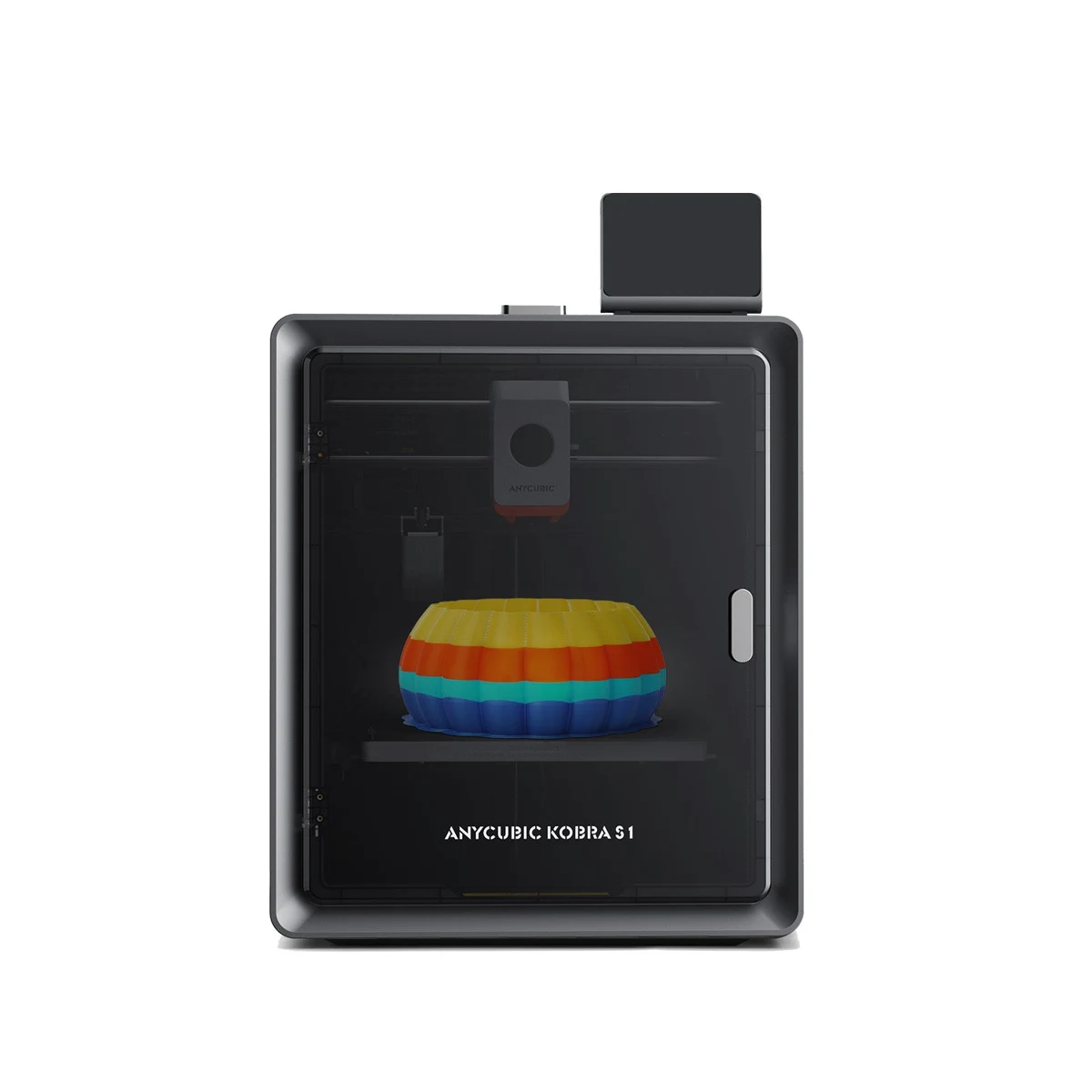
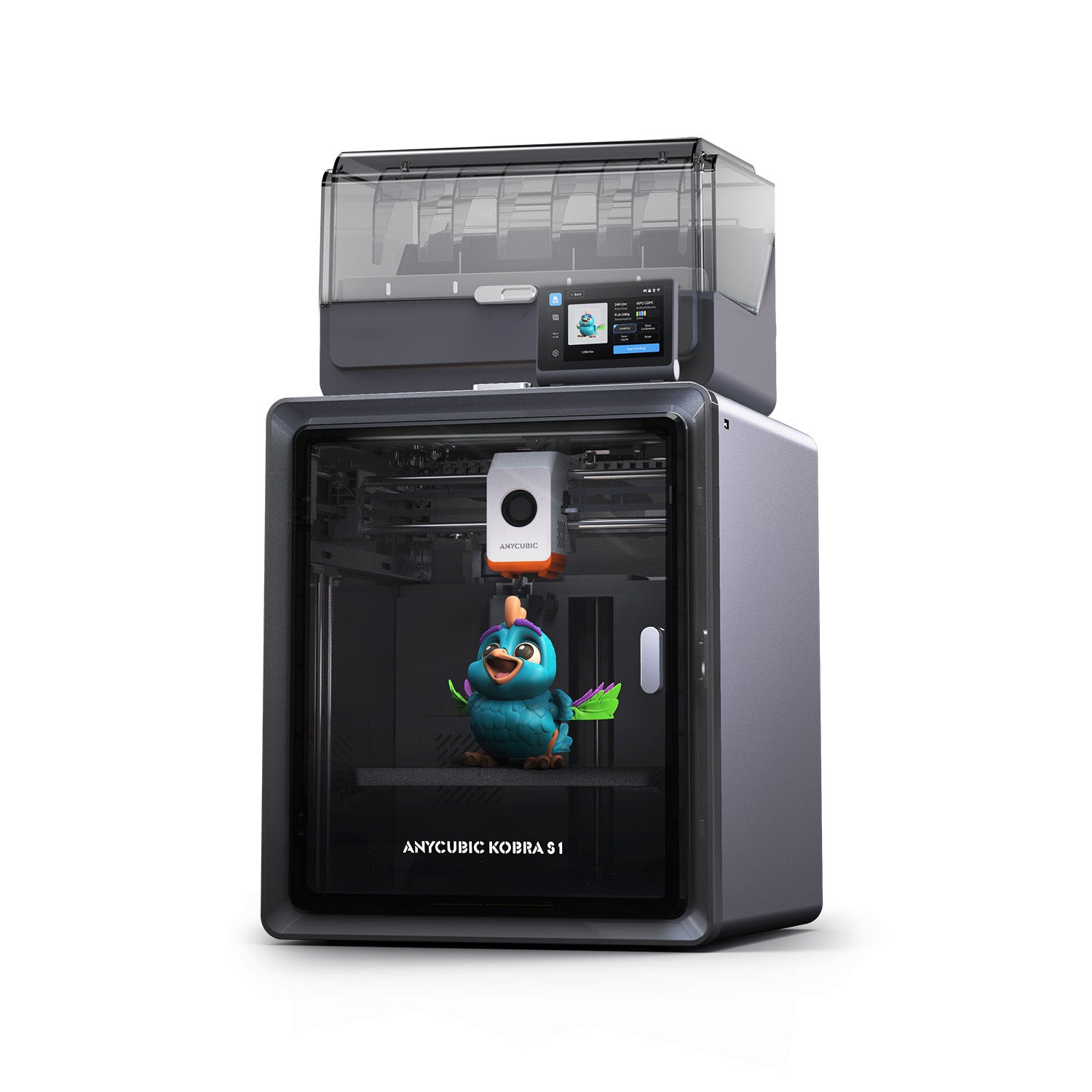
The Kobra S1's strongest buying argument is easier to understand when the printer and ACE Pro are treated as separate systems. The enclosed CoreXY machine handles the print, while the optional feeder adds color changes and active filament drying. Some owners need both; others would use one spool at a time and gain little from automatic switching. This research review covers the Kobra S1 itself and explains the optional workflow rather than counting the Combo as another printer. We have not tested a sample or measured its finished parts.
Anycubic's listed 250 mm cube is broadly useful for organizers, prototypes and model-making, but it is still a real size constraint. A design that only just fits should be checked in the actual slicer profile with its supports and brim. The cube also says nothing about whether a part should be printed as one piece. Splitting a model may improve orientation, surface appearance or material use even when it fits. The practical question is whether the S1 can repeatedly produce the owner's intended geometry, not simply whether a digital bounding box fits inside the advertised dimensions.
Recommended speed is more useful than the maximum
Anycubic helpfully publishes both recommended and maximum values: 300 versus 600 mm/s for speed, and 10,000 versus 20,000 mm/s² for acceleration. That gives a clearer starting point than a single headline. The faster setting is not automatically appropriate for every visible surface, support or small feature. Begin with the documented profile and examine a useful part before chasing the ceiling. A dimensional clip or mating bracket will reveal a different set of compromises from a decorative benchmark printed largely to demonstrate motion.
The CoreXY layout keeps the growing part from being swung across the desk during horizontal travel. Its manual gives a 400 × 410 × 490 mm printer envelope, but the complete Combo arrangement is listed at 420 × 530 × 710 mm. That is a meaningful change for a shelf or cart. Door movement, the rear connections and access to the ACE Pro lid need further room. The printer outline alone is not enough to decide whether a multicolour installation will be comfortable to load and maintain.
Material range and the thermal distinction
The published hotend limit is 320°C and the bed limit is 120°C. Anycubic lists mainstream PLA, PETG, ABS, ASA and TPU support, while its detailed guidance makes clear that TPU 95A cannot be fed through ACE Pro. That is a useful reminder that printer compatibility and feeder compatibility are different questions. A flexible part should be planned around the approved external-feed route. Do not put a flexible spool into the automated path simply because the material appears somewhere on the printer's marketing page.
The enclosed chamber is relevant for controlling drafts, but the product information reviewed does not establish an actively heated chamber equivalent to a machine with its own chamber-temperature specification. Likewise, the nozzle's temperature ceiling does not guarantee successful large engineering-polymer parts. Material dryness, plate selection and geometry remain important. For a fitted component, the intended spool and geometry matter more than a material name on a compatibility list. A finished decorative sample can look convincing while failing to answer whether a fitted part will retain its dimensions and useful mechanical behavior.
ACE Pro drying changes the ownership routine
The Combo page describes ACE Pro drying up to 55°C while printing. That is a concrete distinction from a feeder that only stores filament with desiccant. It could be useful when a long job draws from material that needs controlled handling, but 55°C should not be presumed sufficient for every drying instruction on every spool. Check the filament maker's temperature and time requirements. The standalone S1 explicitly lists active drying as unsupported, so this benefit belongs in the accessory budget rather than in a verdict about the cheapest base configuration.
One ACE Pro supplies four positions; the advertised eight-color arrangement requires a second unit and the corresponding feeding module. More positions add flexibility, tubing and spool-management decisions as well as purchase cost. They also do not remove the transition overhead of a shared nozzle. Evaluate a planned multicolor model by its sliced time and purge consumption, particularly when colors change on many layers. A simple automatically refilled single-material job can be a more practical use of a feeder than a tiny eight-color object that spends much of its time switching.
One complex colour job made waste the larger number
In its independently conducted S1 Combo review, Tom’s Hardware reported 312 g of finished material and 730 g of waste for a complex dragon print. The waste included supports, a purge tower and purged filament; it was not a measurement of purge alone. The reviewer also found limitations in the then-current slicer’s waste reporting and adjustment controls. Those observations belong to that software and job, not a confirmed description of every subsequent Slicer Next release.
That example is more helpful than simply listing eight-colour support. A model can use little material in a particular colour yet trigger many changes throughout its height. The finished weight therefore gives a poor estimate of the spool commitment. Preview supports, transitions and total consumption in the current slicer before starting a large decorative print. Where the estimate is unclear, a smaller representative job can reveal the handling cost before a long run. ACE Pro drying solves a different problem: it can help material preparation, but it cannot remove the shared-nozzle transition overhead.
Calibration, hotend access and monitoring
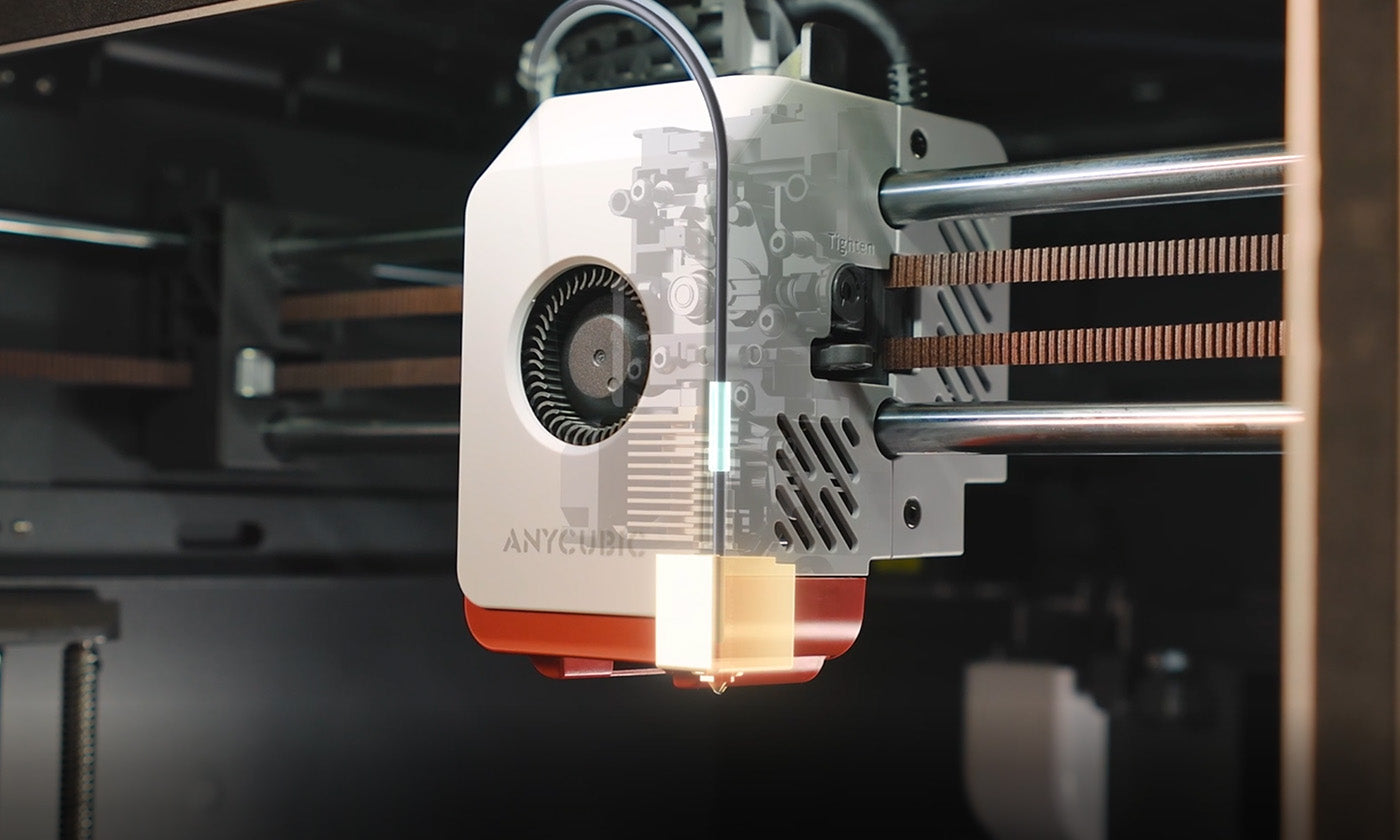
The matching V1.3 manual makes startup more concrete than a promise of automatic calibration. Its unpacking sequence includes removing three bed transport screws and the toolhead restraints before use. It also calls for vibration recalibration after 300 hours or after moving the printer, and requires the PEI plate to be installed for bed leveling. These details matter when a machine changes benches or has been transported for service. Preserve the first satisfactory project and profile, so a later change in finish can be considered alongside maintenance, material and location.
The quick-release hotend is a promising service detail, and the stock 0.4 mm assembly is not the only documented size. Optional diameters alter detail, potential flow and the suitability of particle-filled filaments, so the software profile must match the installed hardware. The camera supports monitoring and the advertised spaghetti-detection function, but should be regarded as another observation channel rather than a guarantee against failures. A camera cannot establish that a hole has the right clearance or that the interior of a part is sound. Inspect important parts after printing even when the screen shows a normal completion.
Software, source inconsistencies and a sensible verdict
The manual lists USB-disk, Anycubic Cloud and Slicer Next workflows, with 2.4 GHz Wi-Fi. It does not list an Ethernet port, so local-network language should not be taken to mean a wired connection. Check the intended transfer and monitoring route before making it central to a workshop. The quiet-mode marketing figure is also conditional, rather than this publication’s sound measurement. The cooling required by the chosen material and profile matters more to shared-room use than an isolated lowest-noise claim.
Anycubic’s base page lists 9.37 kg, whereas the Combo page and matching V1.3 manual identify the printer at 18 kg. The manual supplies corroboration for the heavier figure, but the inconsistent storefront text still warrants checking the exact delivered package with the seller. The ACE Pro is separately listed at 4.6 kg. For Canadian and US buyers, confirm the regional seller, coverage and voltage-specific package. The strongest case for the S1 is an enclosed everyday printer with optional active drying. Colour expansion is useful when the project justifies its transition time, waste and extra hardware.
Sources & further reading.
These are the sources behind this research review. Manufacturer claims are not independent performance measurements. Community accounts, when cited, describe individual experiences.
- Anycubic Kobra S1 — base machine specifications ↗manufacturer
- Kobra S1 Combo — ACE Pro specifications and detailed FAQ ↗manufacturer
- Kobra S1 official user manual ↗manual
- Tom’s Hardware: independently conducted Kobra S1 Combo review ↗independent review
Documentation reviewed: 10 October 2026. Product software and regional bundles can change. Corrections and editorial disclosures.