An editorial assessment of documented capabilities and ownership trade-offs. This is not a hands-on test result or a measurement of reliability.
Task capability 30%8.0
Reach and six-axis motion support meaningful lightweight projects.
Navigation & control 20%8.3
Studio and SDK routes offer substantial control scope.
Ownership & upkeep 20%6.8
Specialist maintenance and the complete tooling system affect cost.
Setup & usability 15%6.4
Installation and application engineering demand expertise.
Documentation & support clarity 15%8.3
Current technical docs expose payload, tool weights and interface details.
Compare scores within the same product category. Small decimal differences should not override your needs or the evidence limits.
How the Standpoint Score works
We score five aspects of the documented product on a 0–10 scale, then calculate a weighted total:
- Task capability30% of the total
- Navigation & control20% of the total
- Ownership & upkeep20% of the total
- Setup & usability15% of the total
- Documentation & support clarity15% of the total
This product’s 7.6/10 is a provisional research assessment. It does not claim measured performance, tested reliability or a verified customer satisfaction rate. Compare it with products in the same category, and read each criterion’s reasoning above.
Read the full rubric and score bands ↗The ownership case.
Lite6 is worth considering for lightweight six-axis prototypes and controlled automation projects where its documented reach, payload and interfaces fit.
Reasons to consider it
- Six-axis platform
- Documented programming interfaces
- Useful desktop reach
Go in knowing
- Current payload documentation differs from older listings
- Tool mass can consume much capacity
- Complete application safeguards are required
The specification sheet.
Published specifications from the linked sources. Configurations and availability can differ by country.
- Axes
- 6
- Maximum payload
- 600 g, current official docs
- Reach
- 440 mm
- Repeatability
- ±0.5 mm, published specification
A compact arm with a serious integration question
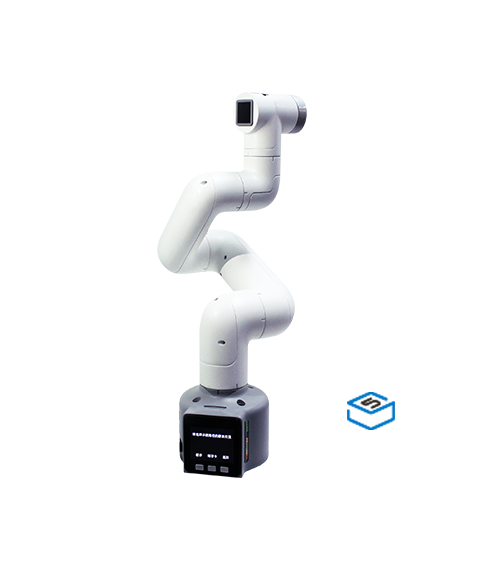
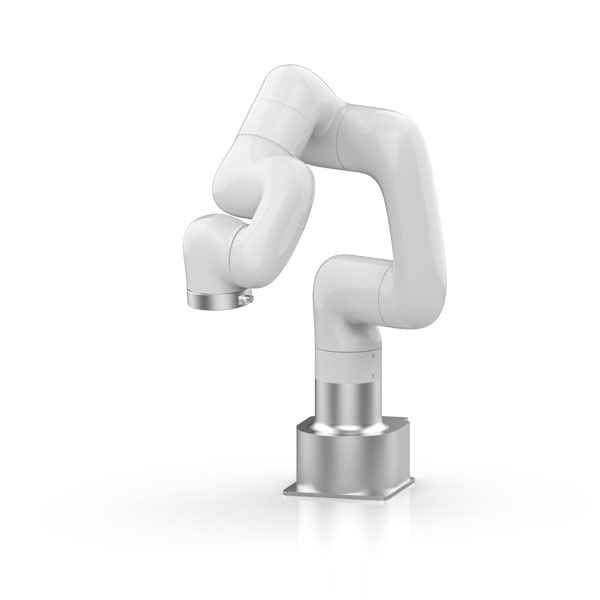
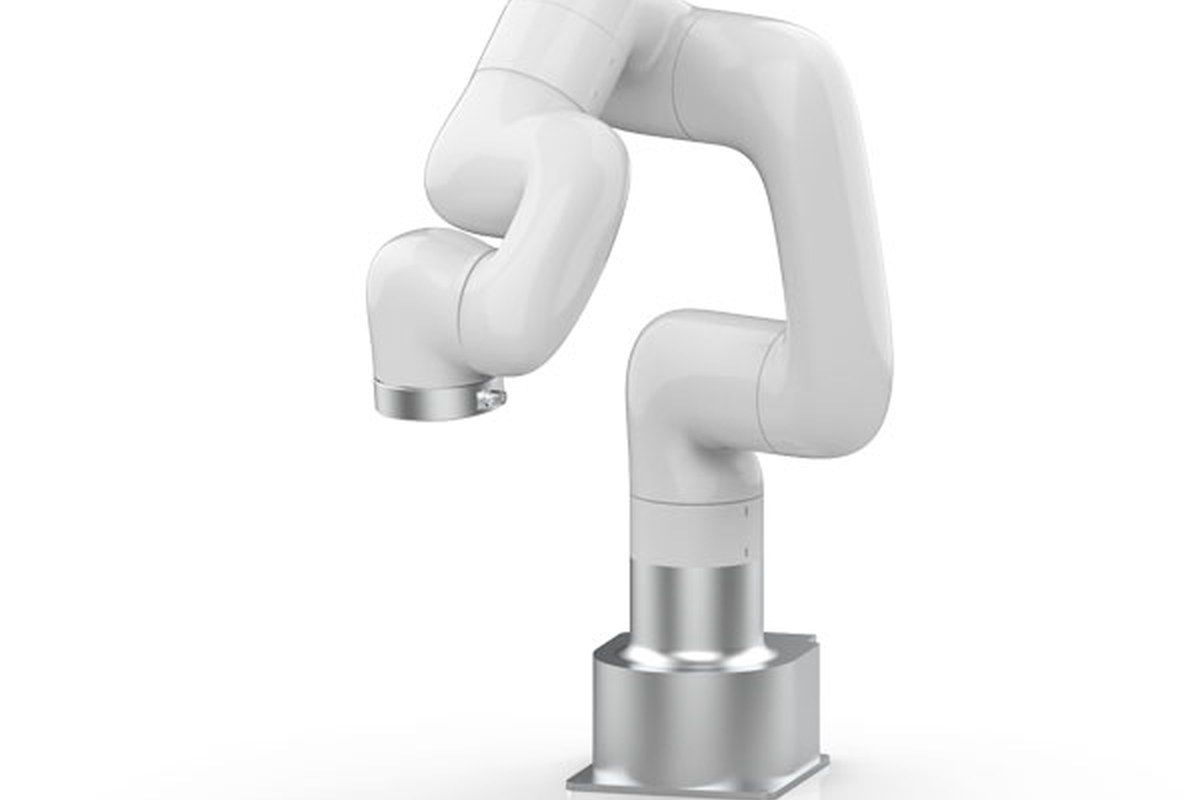
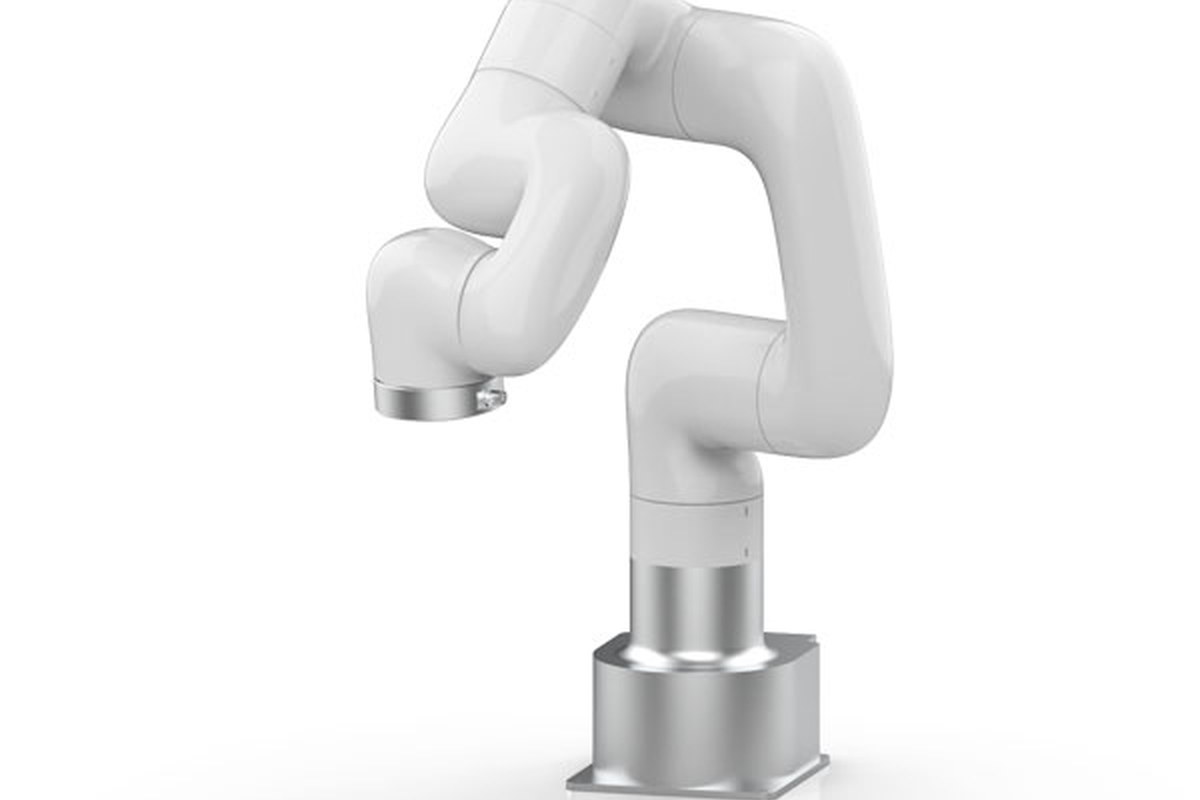
UFACTORY Lite6 is a six-axis desktop arm intended for programming, prototyping and automation experiments. The current official technical documentation lists a 600g maximum payload, a working extent associated with a 440mm reach and support through UFACTORY Studio, Python, C++ and ROS. Those are the figures used here; older listings or discussions may quote different values, so verify the exact revision. The arm is most interesting when a buyer needs more reach and a different mechanical platform than very small educational arms provide. It is not a finished application. A tool, mounting arrangement, fixtures, control logic and appropriate safeguards still need to be designed. We have not operated Lite6 or measured its performance.
The tool can consume much of the payload
The official page lists weights for its small gripper options as well as the arm's payload. That makes the load calculation concrete: the end-effector itself can take a substantial share of the allowance before an object is added. Include adapters, cables and any sensor mounted at the wrist. Also consider centre of mass and acceleration rather than relying on a single static weight. A process that looks comfortably inside the limit when weighing only the workpiece may exceed it when fully assembled. Ask UFACTORY for the applicable load guidance and verify the exact tool combination. We would evaluate the intended payload at the required poses and speeds before committing to fixtures or promising a production rate.
Reach is a workspace, not a circle on a table
Six-axis geometry offers flexibility in tool orientation, but joint limits and configurations restrict which poses are practical. The Cartesian range in a specification is not a promise that every position and orientation inside a simple boundary is equally usable. Plan the approach and retreat as well as the final contact point. An arm may reach a target but need an awkward path that collides with a fixture or approaches a singularity. Simulation can help, provided the model and tool dimensions match reality. We would validate the complete motion with conservative speed and a clear workspace. The value of the Lite6's reach is determined by a workable task envelope, not the largest number in the table.
Repeatability needs a precise interpretation
UFACTORY publishes a repeatability figure, which should be distinguished from absolute positioning accuracy. Returning consistently to a taught point is different from matching a coordinate derived from an external measurement. Tool calibration, fixture movement, thermal conditions and compliance can all affect the final result. A small assembly or inspection task may require additional sensing or mechanical alignment even when the robot's repeated motion is acceptable. We have not measured those effects. Before choosing an arm for a tolerance-sensitive process, define the required outcome and test it with the actual payload and approach direction. A specification is a useful screening tool, but process capability belongs to the complete cell rather than to the robot alone.
The control stack is part of the product
Studio and supported programming interfaces can shorten the route to a first motion. For a useful application, verify command behaviour, state reporting, error handling and the version compatibility of the SDK you intend to use. A successful example script does not establish reliable recovery after a network interruption or a stopped motion. Keep firmware, libraries and configuration recorded and use a small repeatable test before adding perception or external equipment. We have not validated the current software. Documentation quality matters because a compact arm is often bought by a team without a dedicated industrial-robot integrator. The right platform should make its limits and interfaces understandable, not merely provide several language logos on a product page.
Grippers and external equipment need coordination
A robot arm's motion must be synchronised with the tool and the task. A vacuum pickup needs evidence that an object was acquired; a gripper may need an appropriate force and opening; a fixture may need to signal that it is ready. The official documentation lists end-effector communication details that should be reviewed before integration. Do not assume an electrical connector implies compatibility with arbitrary tooling. Confirm power limits, signal levels and the supported control method. A simple fixed-object demonstration can conceal missing feedback that becomes important during repeated operation. We would design the application around detectable success and safe failure states, rather than merely time a sequence and hope every object remains where the previous cycle left it.
Safety is an application responsibility
A compact six-axis arm can move quickly and create pinch or impact hazards, especially with a tool attached. Secure the base, establish a controlled envelope and follow the manufacturer's safety requirements. A label suggesting collaboration does not make every installation safe for close human interaction. The tool, workpiece, speed and surrounding fixtures change the risk. Begin with conservative motion and a tested stop and recovery procedure. Do not place hands in the working area to correct an object while a sequence is active. We have not assessed protective functions or certified any application. For a school or workshop, training and appropriate safeguards should be considered part of the purchase, not something added after the robot has already been put to work.
Service, duty and the full cost
The arm is only one line in a practical budget. Include tooling, mounting, power equipment, fixtures, sensors, guards where needed and engineering time. Ask about inspection, calibration, replacement parts and repair turnaround in your region. A compact footprint does not mean the entire working cell occupies the same small area. Leave room for motion, wiring and maintenance access. A used Lite6 should be checked for controller and hardware revision, supported firmware, communication, joint condition and service history. We have not measured endurance or total ownership cost. The purchase is strongest when the buyer can support the complete application and has a credible repair route, rather than relying on a low bare-arm price to define project affordability.
Our research verdict
Lite6 is worth considering for lightweight six-axis prototypes and controlled automation projects where its documented reach, payload and interfaces fit. It is less appropriate when the plan assumes heavy tools, tight process tolerances without calibration or unattended production without integration work. A meaningful trial should use the real end-effector, verify the whole motion envelope and exercise error recovery as well as a successful cycle. We have not performed that trial. Compare with smaller educational arms when learning is the main goal and with higher-capacity systems when payload or duty is decisive. The useful choice is the supported platform that meets the complete task, not the most impressive demonstration at the lowest advertised starting price.
Sources & further reading.
These are the sources behind this research review. Manufacturer claims are not independent performance measurements. Community accounts, when cited, describe individual experiences.
- UFACTORY Lite6 — official product information ↗manufacturer
- UFACTORY Lite6 hardware installation ↗manual
- UFACTORY Lite6 official product page ↗manufacturer
Documentation reviewed: 9 October 2026. Product software and regional bundles can change. Corrections and editorial disclosures.